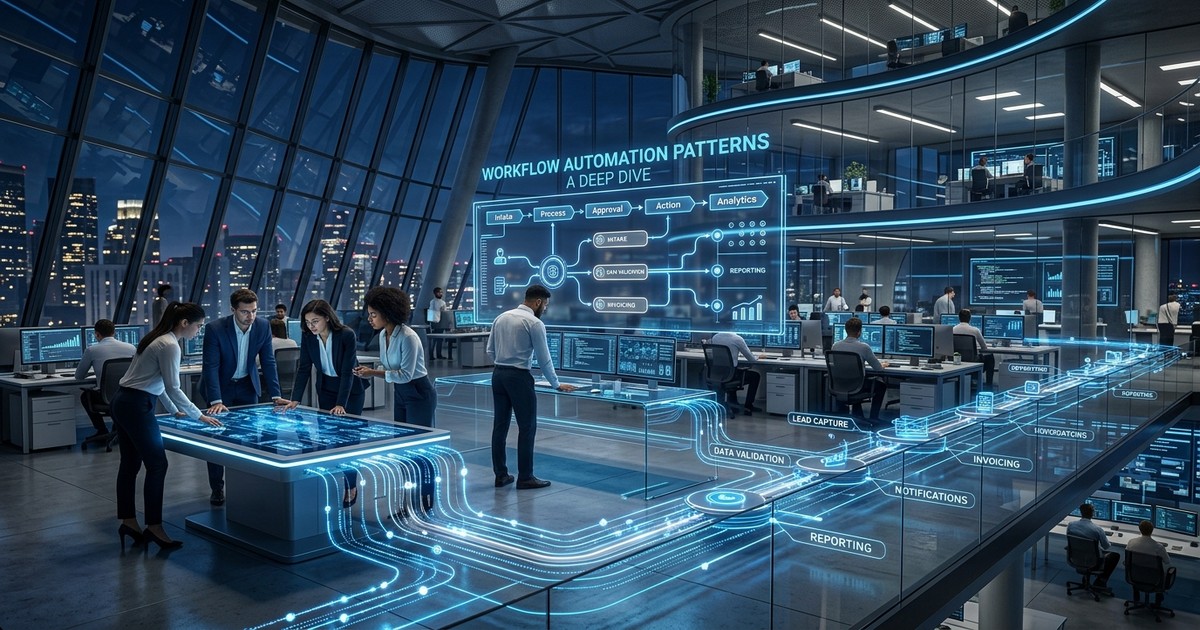
Workflow Automation Patterns: A Deep Dive for Thursday
Introduction - Hook with Real Problem
Imagine this: you're the lead architect at a rapidly scaling e-commerce platform. Your Black Friday sales went through the roof, exceeding even the most optimistic projections. Congratulations! But now, the post-sale operational nightmare begins. Customer service tickets are flooding in regarding order status, shipping updates, and returns. Manual intervention is crippling your team. Inventory management is struggling to keep up, leading to delayed shipments and frustrated customers. The existing automation, a patchwork of legacy systems and brittle scripts, is failing under the increased load. This isn't just a minor inconvenience; it's costing you money, damaging your reputation, and burning out your team. In 2026, reactive fire-fighting is not a sustainable solution. Proactive, resilient, and intelligently adaptive workflow automation is the only way to survive and thrive. This post will dive into the workflow automation patterns that actually deliver results in this demanding environment.
The Current Landscape - What's Happening in 2026
The workflow automation landscape in 2026 is significantly more sophisticated than it was even a few years ago. The key advancements revolve around:
- AI-Powered Orchestration: AI isn't just a buzzword; it's deeply integrated into workflow engines. Predictive analytics anticipate bottlenecks, dynamic routing optimizes workflows based on real-time conditions, and intelligent exception handling resolves issues autonomously.
- Low-Code/No-Code Consolidation: While initially hyped, the low-code/no-code platforms have matured and consolidated. The focus is now on citizen developers collaborating with professional developers within a unified platform, rather than replacing them.
- Event-Driven Architectures (EDA) Domination: Microservices and serverless computing have driven the adoption of EDA. Workflows are triggered by events (e.g., order placed, payment received, shipment updated), leading to highly responsive and scalable systems.
- Hyperautomation Maturity: Hyperautomation, the disciplined approach to rapidly identify and automate as many business processes as possible, is no longer a future trend but a core strategic imperative. It's about orchestrating multiple technologies (RPA, AI, BPM, iPaas) to achieve end-to-end automation.
- Composable Architecture: Businesses are moving away from monolithic workflow engines. Composable architecture, built from independent, reusable services, provides flexibility and resilience.
- Edge Automation: With the proliferation of IoT devices, workflow automation is extending to the edge, enabling real-time decision-making and control closer to the source of data.
Deep Dive: Core Concepts - Frameworks and Analysis
Several core concepts underpin successful workflow automation in 2026:
- Business Process Model and Notation (BPMN) 2.0: Still the gold standard for modeling workflows. BPMN 2.0 provides a standardized visual representation that facilitates communication and collaboration between business and technical teams.
- Domain-Driven Design (DDD): DDD is crucial for aligning automation efforts with business needs. By focusing on the core domain, you can identify the most valuable workflows to automate and ensure that the automation accurately reflects the business processes.
- Event Sourcing: Instead of storing only the current state of a system, event sourcing captures all state changes as a sequence of events. This provides a complete audit trail, enables replayability, and facilitates debugging.
- Compensating Transactions: In distributed systems, a single workflow may involve multiple microservices. If one microservice fails, compensating transactions are used to undo the effects of previous successful transactions, ensuring data consistency.
- Circuit Breaker Pattern: Prevent cascading failures by implementing circuit breakers. When a service fails repeatedly, the circuit breaker trips, preventing further requests from being sent to the failing service.
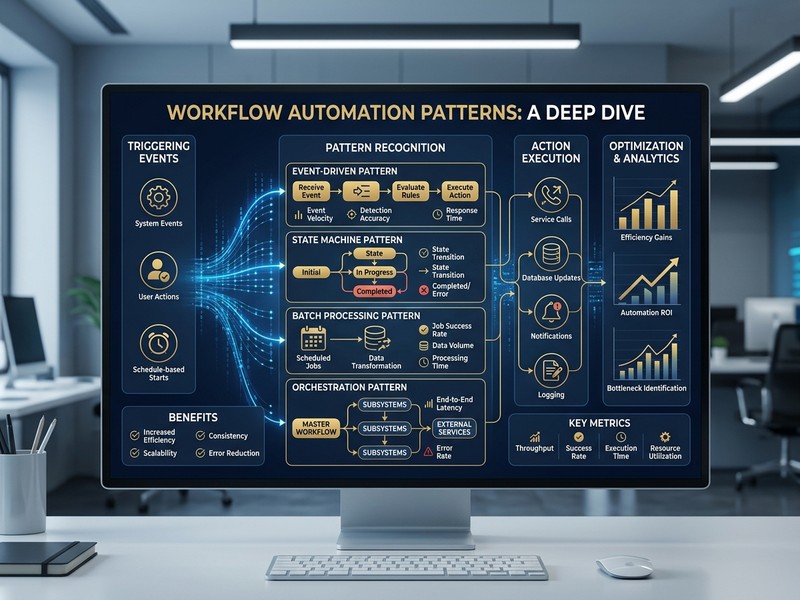
- Saga Pattern: For long-running transactions that span multiple services, the Saga pattern coordinates the execution of local transactions in each service. This ensures eventual consistency across the system. There are two main types: Choreography-based and Orchestration-based Sagas. Choreography is decentralized, with each service listening for events and reacting accordingly. Orchestration is centralized, with a central orchestrator coordinating the execution of the saga.
Comparison and Trade-offs - Tables with Pros/Cons
Here are some important comparisons for choosing the right workflow automation approach:
Table 1: Choreography vs. Orchestration Sagas
| Feature | Choreography-Based Saga | Orchestration-Based Saga |
|---|---|---|
| Coordination | Decentralized, services react to events | Centralized, orchestrator coordinates services |
| Complexity | Lower initial complexity, higher long-term complexity | Higher initial complexity, lower long-term complexity |
| Visibility | Difficult to track the overall saga progress | Centralized view of the saga progress |
| Coupling | Higher coupling between services | Lower coupling between services |
| Error Handling | More complex to handle errors and rollbacks | Easier to manage errors and rollbacks |
| Pros | Easier to start with, good for simple workflows | Better for complex workflows, improved maintainability |
| Cons | Difficult to manage dependencies, harder to debug | Requires a central orchestrator, potential bottleneck |
Table 2: Workflow Engine Options
| Feature | Cloud-Native Workflow Engine (e.g., Zeebe) | iPaas Platform (e.g., Workato, Mulesoft) | Custom-Built Workflow Engine |
|---|---|---|---|
| Scalability | Highly scalable, designed for microservices | Scalable, but can be more expensive at high volumes | Scalability depends on implementation |
| Integration | Requires custom integration development | Extensive pre-built connectors | Requires custom integration development |
| Complexity | Higher initial complexity, requires coding skills | Lower initial complexity, visual interface | Highest complexity, requires significant coding effort |
| Maintainability | Requires specialized skills | Easier to maintain, vendor handles updates | Requires dedicated team for maintenance |
| Cost | Lower initial cost, higher operational cost | Higher initial cost, lower operational cost | Highest initial cost, high ongoing cost |
| Pros | High performance, fine-grained control | Rapid development, easy integration | Complete control, tailored to specific needs |
| Cons | Steep learning curve, requires custom development | Limited customization, vendor lock-in | Time-consuming, expensive, requires significant expertise |
Implementation Framework - Step-by-Step Guide
Here's a practical framework for implementing workflow automation:
- Identify Pain Points: Use data analysis and user feedback to pinpoint the most inefficient and error-prone processes. Prioritize those that have the biggest impact on business outcomes.
- Model the Workflow: Create a BPMN 2.0 diagram of the existing process. This helps visualize the current state and identify areas for improvement.
- Design the Automated Workflow: Design the automated workflow, incorporating best practices like event-driven architecture, compensating transactions, and circuit breakers.
- Choose the Right Tools: Select the appropriate workflow engine, integration platform, and AI services based on your requirements and budget. (Refer to comparison tables).
- Develop and Test: Develop the automated workflow, writing code for custom integrations and logic. Thoroughly test the workflow in a staging environment, simulating various scenarios and error conditions.
- Deploy and Monitor: Deploy the automated workflow to production. Implement comprehensive monitoring to track performance, identify bottlenecks, and detect errors.
- Iterate and Improve: Continuously monitor and analyze the performance of the automated workflow. Use this data to identify areas for further optimization and improvement.
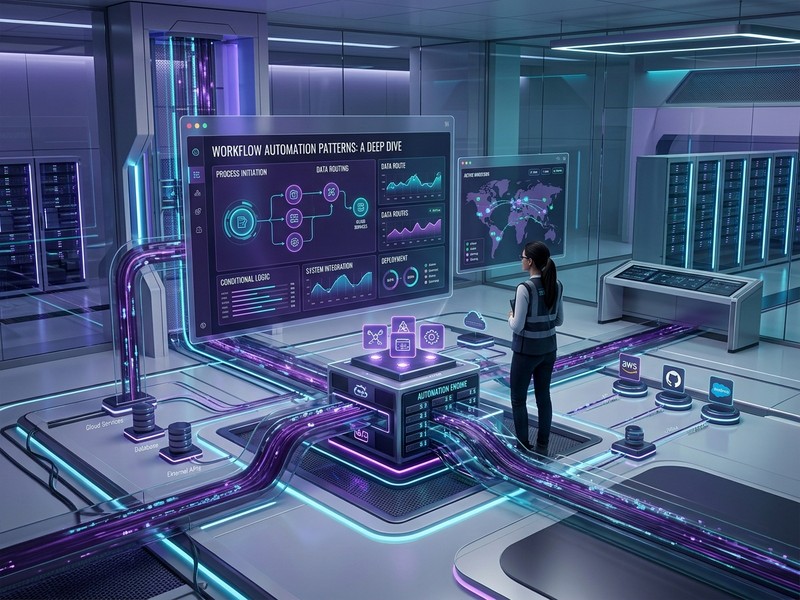
Decision Guide - How to Choose
Choosing the right workflow automation approach depends on several factors:
- Complexity of the Workflow: For simple workflows, a low-code/no-code platform may be sufficient. For complex workflows involving multiple systems and requiring fine-grained control, a cloud-native workflow engine or a custom-built solution may be more appropriate.
- Scalability Requirements: If you need to handle a large volume of transactions, choose a workflow engine that is designed for scalability, such as a cloud-native workflow engine.
- Integration Requirements: If you need to integrate with many different systems, an iPaas platform with pre-built connectors can save you significant development time.
- Skillset of Your Team: If your team has limited coding skills, a low-code/no-code platform may be a better choice. If your team has strong development skills, a cloud-native workflow engine or a custom-built solution may be more appropriate.
- Budget: Consider the initial cost, ongoing operational cost, and maintenance cost of each option.
Decision Flowchart:
graph TD
    A[Start] --> B{Workflow Complexity};
    B -- Simple --> C{Integration Needs};
    B -- Complex --> D{Scalability Needs};
    C -- Simple --> E[Low-Code/No-Code];
    C -- Complex --> F[iPaaS];
    D -- High --> G[Cloud-Native Workflow Engine];
    D -- Low --> H{Team Skillset};
    H -- High --> I[Custom Engine];
    H -- Low --> J[iPaaS with Custom Code];
Case Study or Real Example
Let's revisit our e-commerce platform facing Black Friday challenges. They chose a hybrid approach:
- Order Processing: Migrated from a legacy system to Zeebe (cloud-native workflow engine) to handle the increased order volume. Implemented event sourcing for auditing and replayability.
- Shipping Updates: Leveraged an iPaaS platform (Mulesoft) with pre-built connectors to integrate with various shipping carriers. Used AI-powered anomaly detection to identify and resolve shipping delays proactively.
- Returns Management: Automated the returns process using a combination of RPA and AI. RPA bots extracted data from customer emails and entered it into the system. AI algorithms analyzed the return requests and automatically approved or rejected them based on predefined rules.
- Customer Service: Integrated the workflow engine with the customer service platform (Salesforce). Agents could now view the status of orders and returns in real-time, reducing the time it took to resolve customer inquiries.
This hybrid approach resulted in a 70% reduction in manual intervention, a 50% improvement in order processing time, and a significant increase in customer satisfaction.
30-Day Action Checklist
Here's a practical 30-day checklist to kickstart your workflow automation journey:
Week 1: Assessment and Planning
- [ ] Identify 3-5 key processes suitable for automation.
- [ ] Document the current state of these processes (as-is).
- [ ] Define clear goals and KPIs for automation success.
- [ ] Research potential workflow automation tools and platforms.
Week 2: Design and Prototyping
- [ ] Design the to-be automated workflows using BPMN 2.0.
- [ ] Build a proof-of-concept (POC) for one chosen process.
- [ ] Evaluate the POC against defined KPIs.
- [ ] Gather feedback from stakeholders on the POC.
Week 3: Implementation and Testing
- [ ] Choose your workflow automation platform.
- [ ] Develop and implement the full automated workflow.
- [ ] Conduct thorough testing (unit, integration, UAT).
- [ ] Document the automated workflow and related configurations.
Week 4: Deployment and Monitoring
- [ ] Deploy the automated workflow to a staging environment.
- [ ] Monitor performance and identify any issues.
- [ ] Deploy to production after successful staging.
- [ ] Set up ongoing monitoring and alerting.
Bottom Line - Key Takeaways
- Workflow automation in 2026 is about intelligent, adaptive, and resilient systems.
- AI-powered orchestration, EDA, and composable architectures are key trends.
- Choose the right tools and patterns based on your specific needs and constraints.
- A hybrid approach, combining different technologies, often yields the best results.
- Continuous monitoring and optimization are essential for long-term success.
- Domain-Driven Design and BPMN 2.0 remain crucial for aligning automation with business needs.
Work With Versalence
At Versalence, we help businesses like yours unlock the full potential of workflow automation. Our team of experienced engineers and architects can guide you through every step of the process, from identifying the right processes to automate to implementing and maintaining your automated workflows. We specialize in building scalable, resilient, and intelligent automation solutions that drive real business value.
📧 versalence.ai/contact.html | sales@versalence.ai