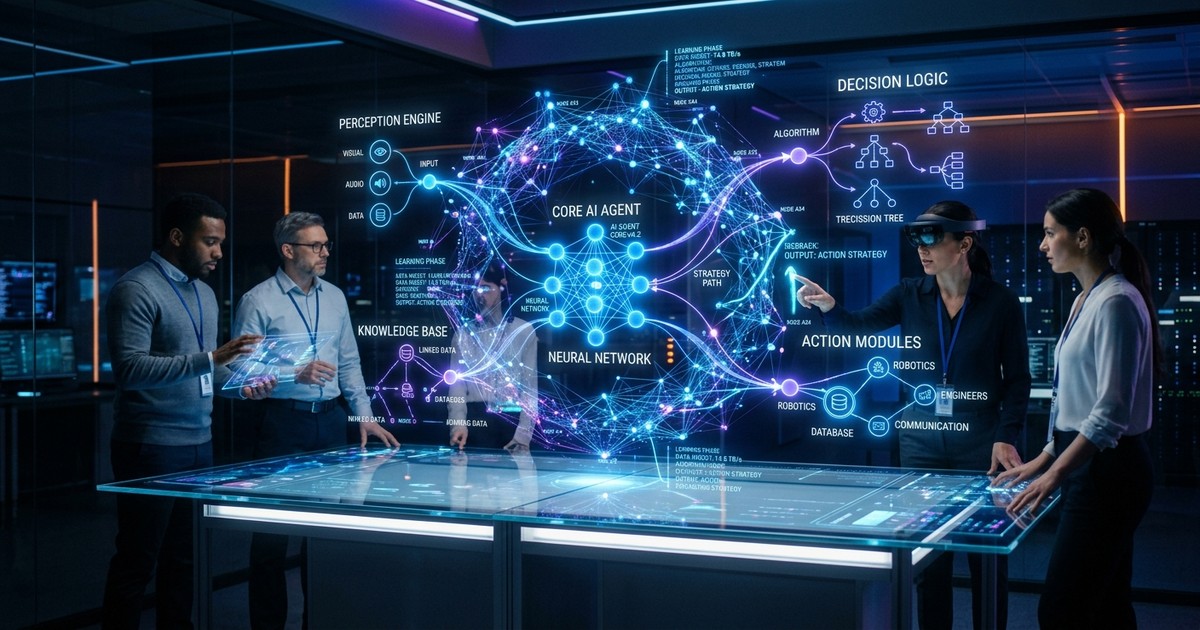
Building Production-Ready AI Agents with LangGraph: The Complete 2025 Implementation Guide
By mid-2025, 73% of enterprises have moved beyond AI pilot programs. Yet only 12% successfully scale autonomous agents across multiple departments. The difference between these groups is not budget or talent. It is architecture.
Most production AI failures stem from the same root cause: developers treat agents like enhanced chatbots rather than stateful, tool-using systems that require persistent memory, structured reasoning, and robust orchestration. LangGraph, the orchestration framework from the LangChain team, addresses these requirements directly. It provides the graph-based state management that production agents demand.
This guide delivers a complete technical implementation of production-ready AI agents using LangGraph. You will build systems that maintain conversation state across sessions, invoke tools dynamically, handle human approval for sensitive operations, and deploy with persistence layers that survive restarts.
Understanding the Production Agent Architecture
Why Stateful Agents Beat Stateless Chatbots
Stateless chatbots process each message independently. They have no memory of previous turns, no access to accumulated context, and no ability to resume interrupted workflows. This limitation becomes critical when agents execute multi-step tasks like research, data analysis, or approval workflows.
Production agents require state management at three levels. Working memory maintains the current conversation context. Persistent storage enables session resumption after interruptions. Checkpointing allows agents to pause for human approval and continue from exactly where they stopped.
LangGraph implements these capabilities through a graph-based architecture where nodes represent agent functions and edges define state transitions. Unlike linear chains, graphs support loops for iterative reasoning, branching for conditional logic, and interrupts for human-in-the-loop workflows.
The ReAct Pattern: Reasoning and Acting
The ReAct pattern (Reasoning + Acting) forms the foundation of modern agent architectures. Agents using this pattern alternate between thinking about what to do and taking action. Each action produces observations that feed back into the reasoning cycle.

LangGraph implements ReAct through its StateGraph abstraction. The state object carries messages, intermediate results, and control flags through the graph. Nodes modify the state, and edges determine the next node based on state contents. This design makes agent behavior explicit, testable, and debuggable.
Building Your First LangGraph Agent
Setting Up the Environment
Start with a Python 3.10+ environment and install the required packages. LangGraph requires langchain-core for message handling, langgraph for the graph orchestration, and a model provider like langchain-openai or langchain-anthropic.
The core imports include StateGraph for building the agent workflow, MessagesState for conversation state management, and MemorySaver for in-memory checkpointing. For production, you will replace MemorySaver with SqliteSaver or PostgresSaver.
Defining the Agent State
The state schema determines what data persists across agent turns. At minimum, you need messages to store the conversation history. For tool-using agents, add fields for the last tool call and its results. For human-in-the-loop workflows, include flags for pending approval.
Using TypedDict with Annotated types provides type safety while allowing LangGraph to merge updates from multiple nodes. The messages field typically uses operator.add as a reducer to append new messages rather than replacing the entire list.
Creating Tool Definitions
Tools are the bridge between language models and external systems. A well-designed tool has a descriptive name, detailed docstring explaining when to use it, and a Pydantic schema defining its parameters. The docstring serves as the prompt that guides the model toward appropriate tool selection.
For production systems, implement error handling in every tool. When APIs fail or data is malformed, return structured error messages rather than raising exceptions. The agent can then decide whether to retry, try a different approach, or ask the user for clarification.
Implementing Memory and Checkpointing
In-Memory vs Persistent Storage
LangGraph provides three checkpointing options. MemorySaver stores state in RAM. It is fast and suitable for development, but data disappears when the process restarts. SqliteSaver persists state to a local SQLite database. It survives restarts and works well for single-server deployments. PostgresSaver connects to PostgreSQL for distributed systems where multiple instances need shared state.

The checkpointing configuration happens at graph compilation. Pass the checkpointer to workflow.compile() to enable state persistence. Each conversation needs a unique thread_id in the configuration to isolate state between different users and sessions.
Multi-Turn Conversation Management
With checkpointing enabled, agents remember context across multiple turns. When a user says "My name is Alice" in turn one, the agent can answer "Hello Alice" in turn five without being reminded. The checkpoint stores the complete message history and any accumulated state.
For long conversations, implement context window management. LangChain provides trim_messages utility to limit history length while preserving the most recent and relevant context. Set thresholds based on your model's context limits and typical conversation patterns.
Human-in-the-Loop Workflows
When to Require Human Approval
Not all agent actions should execute automatically. Financial transactions, data deletions, and external communications often require human oversight. LangGraph supports this through interrupt points where execution pauses for approval.
Design your approval flows carefully. Interrupt before destructive operations, not after. Provide clear context about what the agent intends to do and why. Support both approval and rejection paths, with appropriate follow-up actions for each.
Implementing Interrupt Nodes
The interrupt function from langgraph.types creates a pause in execution. When the graph reaches an interrupt node, it stops and returns the current state. The application can then display the pending action to a user, collect their response, and resume execution with the updated state.
The resume process involves calling the graph again with the same thread_id and an updated state containing the human's decision. LangGraph automatically continues from the interrupt point, skipping already-executed nodes.
Multi-Agent Orchestration Patterns
Supervisor-Worker Architectures
Complex tasks benefit from specialized agents working together. The supervisor pattern uses a coordinator agent that delegates subtasks to worker agents with specific expertise. One worker handles research, another handles calculations, and a third drafts responses.
Implement this in LangGraph by creating nodes for each specialized agent and a supervisor node that routes to the appropriate worker based on task type. Use Command objects with goto parameters to dynamically select the next node based on the current state.
Parallel Execution and Result Aggregation
LangGraph supports parallel execution through the Send mechanism, which dispatches multiple branches simultaneously. This pattern excels when an agent needs to gather information from multiple sources or run independent analyses before synthesizing results.
The aggregation node receives outputs from all parallel branches and combines them into a coherent response. Design state schemas to accommodate variable numbers of parallel results, using lists with appropriate reducers.
Production Deployment Strategies
Error Handling and Retry Logic
Production agents encounter failures. APIs timeout, models rate-limit, and tools return unexpected data. Implement retry logic with exponential backoff for transient failures. For persistent errors, design graceful degradation paths where the agent explains the limitation and offers alternatives.
LangGraph's graph structure makes error handling explicit. Create error-handler nodes that catch exceptions, log diagnostics, and determine whether to retry, skip, or escalate. Use conditional edges to route based on error types.
Observability and Debugging
Agent systems are harder to debug than traditional software due to their non-deterministic nature. LangGraph provides tracing integration through LangSmith, allowing you to visualize execution paths, inspect state at each node, and replay conversations for debugging.
For production monitoring, track key metrics including task completion rates, tool call success rates, latency distributions, and error frequencies. Set up alerts for anomalies like sudden increases in tool failures or response latency.
Performance Optimization
Model Selection Strategies
Different tasks require different models. Use lightweight models like GPT-3.5 or Claude Haiku for straightforward tool calls and formatting. Reserve powerful models like GPT-4o or Claude Opus for complex reasoning, planning, and error recovery.
Implement model routing in your agent nodes. Analyze the incoming request complexity and select the appropriate model. This approach can reduce costs by 60-80% while maintaining quality for routine operations.
Caching and State Optimization
Cache tool results when the same queries recur frequently. Store embeddings for documents that agents reference repeatedly. Implement semantic caching to recognize when slightly different queries should return the same cached result.
Optimize state size by pruning unnecessary history and compressing large outputs. Smaller states serialize faster, use less storage, and reduce latency when resuming interrupted conversations.
Security and Guardrails
Input Validation and Sanitization
Validate all inputs before they reach your agents. Check for prompt injection attempts, excessive length, and suspicious patterns. Use structured output parsing to constrain model responses to expected formats.
Implement output filtering for sensitive content. Even with careful prompting, models can occasionally generate inappropriate or incorrect information. Post-process outputs to catch and correct these cases before they reach users.
Access Control and Audit Logging
Log all agent activities including user inputs, tool calls, and model outputs. Maintain audit trails for compliance and debugging. Implement access controls that restrict which tools each user can invoke and what data they can access.
For regulated industries, design agents to explain their reasoning and cite sources. This transparency builds trust and satisfies regulatory requirements for automated decision-making systems.
Conclusion
Building production-ready AI agents requires more than connecting a language model to an API. It demands stateful architecture, persistent memory, structured reasoning, and robust error handling. LangGraph provides these foundations, enabling developers to move beyond proof-of-concepts to systems that operate reliably at scale.
The patterns in this guide represent battle-tested approaches from organizations running agents in production. Stateful checkpointing ensures continuity. Human-in-the-loop workflows maintain safety. Multi-agent orchestration handles complexity. Together, these capabilities transform agents from interesting experiments into essential infrastructure.
As agent adoption accelerates, the competitive advantage will belong to organizations that master these architectural patterns. The technology is ready. The frameworks are mature. The remaining challenge is execution, and that begins with the implementation patterns described here.
Work With Versalence
We help small businesses navigate the transition from public AI to private, sovereign AI systems:
- AI Infrastructure Assessment — Evaluate systems and identify high-ROI opportunities
- Custom Deployment AI Services — Enterprise grade platform development and deployment
- RAG Implementation — Vector & Graph DB to elevate your AI's ability to provide precise and accurate results
📧 versalence.ai/contact.html | sales@versalence.ai